Four short snippets that used to be four short posts. Each one is a few lines in functions.php, apart from the first, which goes in wp-config.php.
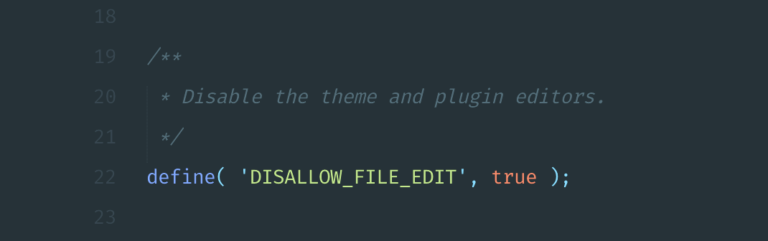
Disable the theme and plugin editors
If you are at all concerned about the security of your WordPress powered site, and you should be, disabling the theme and plugin editors in your admin is a must.
Just add the following code to your wp-config.php file:
<?php
/** Disable theme and plugin editors. */
define('DISALLOW_FILE_EDIT',true);
Add the page name as a body class
Super handy WordPress filter that adds your page names as a CSS class to the WordPress body_class function. Add the following to functions.php.
<?php
add_filter('body_class','page_class');
function page_class($classes) {
   global $wp_query;
   $page = '';
   $page = $wp_query->query_vars['pagename'];
   // add 'pagename' to the $classes array
   $classes[] = $page;
   // return the $classes array
   return $classes;
}
?>
Exclude pages from search results
I was recently working on a project that required excluding pages from the built-in WordPress search functionality. After much googling, I came across the small bit of code I was looking for here in the WordPress forum.
Just add the following code to your functions.php file to exclude pages from your WordPress search:
<?php
function mySearchFilter($query) {
    if ( ! is_admin() && $query->is_search ) {
        $query->set('post_type', 'post');
    }
    return $query;
}
add_filter('pre_get_posts','mySearchFilter');
?>
Display a random post anywhere
In some cases, you may want to display a random post on your WordPress site. In order to make this happen, we can create a new query using the WP_Query function. WP_Query gives you the ability to create multiple loops on any given page of your site, without conflicting with the existing loop.
Use the following code on any page and/or sidebar to display a single random post anywhere on your site.
<?php
$the_query = new WP_Query('posts_per_page=1&orderby=rand');
while ($the_query->have_posts()) : $the_query->the_post(); ?>
    <article>
        <h2><?php the_title(); ?></h2>
        <?php the_content(); ?>
    </article>
<?php
endwhile;
wp_reset_postdata();
?>
As always, with WordPress there are multiple solutions to almost every problem. If you have an alternative solution to using WP_Query, please feel free to share.


Leave a Reply